
Choosing SD Cards for Long-Term Storage
The best SD card for long-term storage is not only the largest card you can find. Reliability, real capacity, speed class, device compatibility, and backup habits matter more than headline storage size.
This guide targets SD cards and micro SD cards for laptop storage, phone expansion, camera backups, and portable archives. Use it to choose a card, reader, or hub that fits your workflow, then keep a second backup copy for files you cannot replace.
Best Storage Tools for SD Card Workflows
Memory cards, card readers, USB flash drives, and USB-C hubs for long-term storage and laptop expansion.
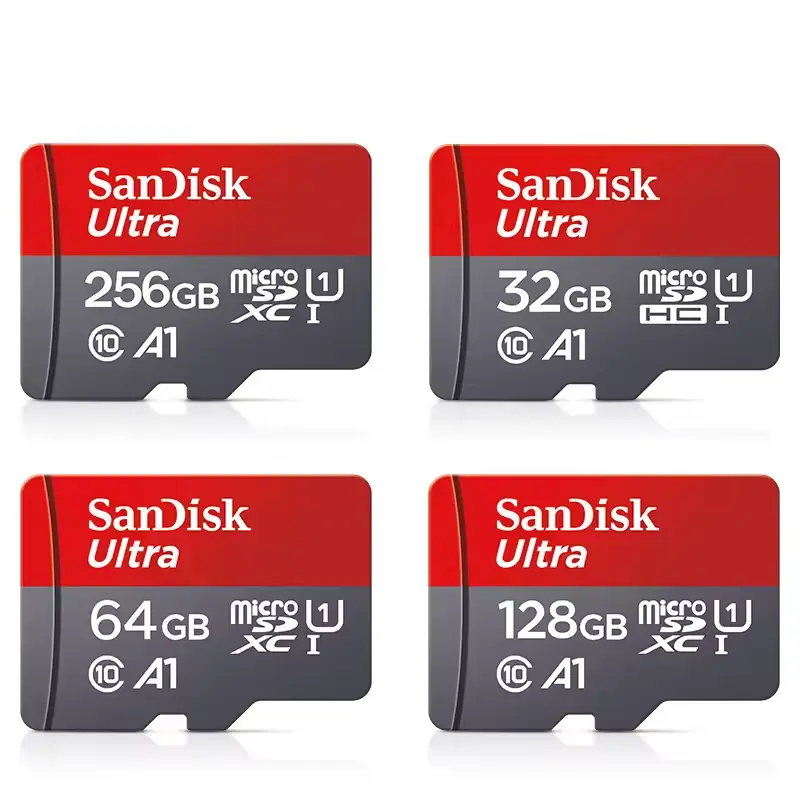
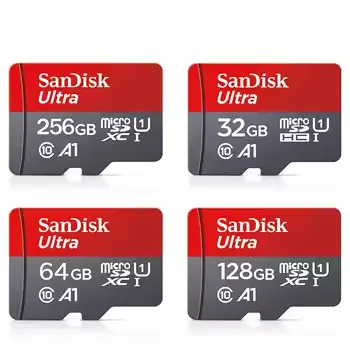
Original Sandisk Memory Card 256GB 128GB 64GB 32GB TF micro
Practical Original Sandisk Memory Card 256GB 128GB 64GB 32GB TF micro featuring durable construction and convenient design for everyday use.
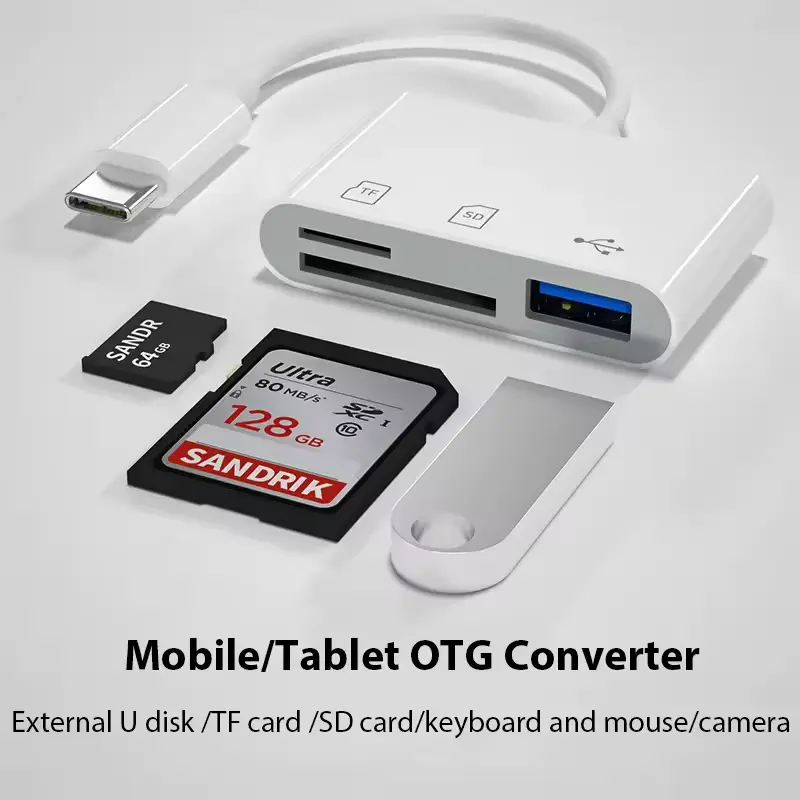
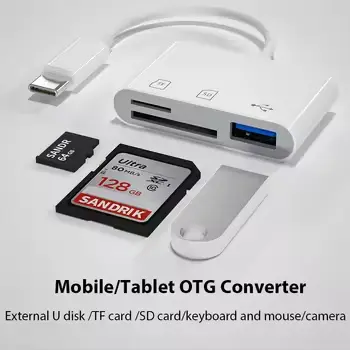
Type c Adapter TF CF sD Memory Card Reader OTG Writer Compac
Practical Type c Adapter TF CF sD Memory Card Reader OTG Writer Compac featuring durable construction and convenient design for everyday use.
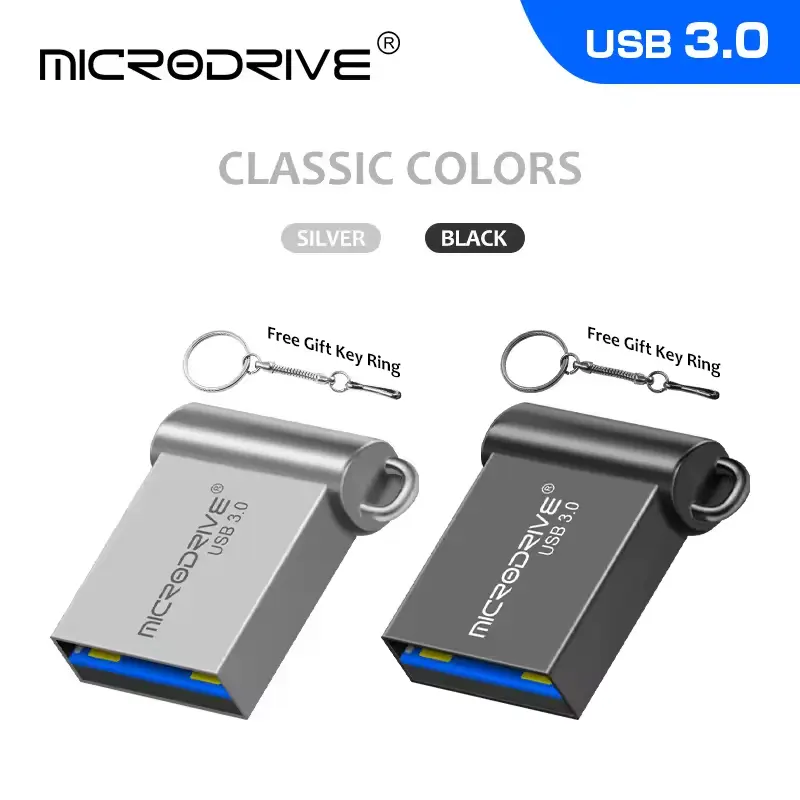
USB Flash Drive High Speed 3.0 Mini Flash Pendrive 128GB 64G
Practical USB Flash Drive High Speed 3.0 Mini Flash Pendrive 128GB 64G featuring durable construction and convenient design for everyday use.
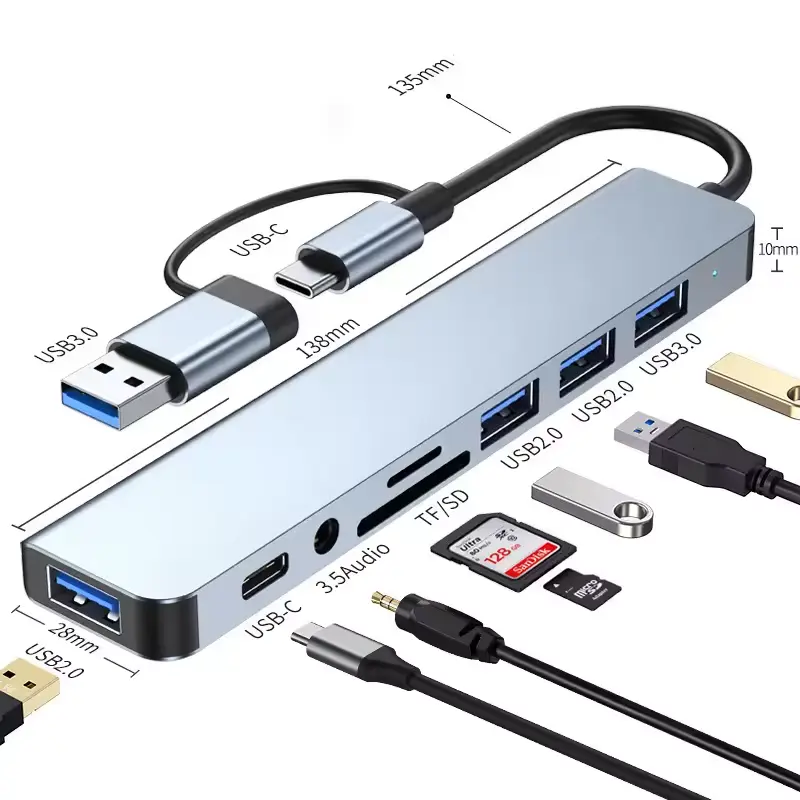
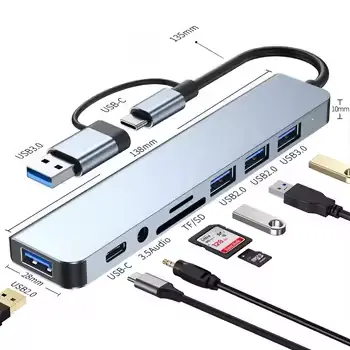
8 in 2 USB +Type C HUB Docking Station with 3.5mm Audio Jack
Practical 8 in 2 USB +Type C HUB Docking Station with 3.5mm Audio Jack featuring durable construction and convenient design for everyday use.
SD Card Storage Comparison
| Storage Tool | Best For | What to Check | Priority |
|---|---|---|---|
| Class 10 micro SD | Phones, cameras, laptop expansion | Real capacity and speed class | Essential |
| USB-C card reader | Moving files to laptops | SD, TF, and device compatibility | High |
| USB 3.0 flash drive | Second backup copy | Real capacity and transfer speed | High |
| USB-C hub with reader | Laptop desk setup | Port support and reader slot | Optional |
How to Pick a Long-Term Storage Card
For long-term storage, choose boring reliability over suspiciously huge capacity claims.
Choose a Realistic Capacity
For documents, 64GB to 128GB can be enough. For photos, videos, and laptop overflow storage, 128GB to 256GB is more practical. Be careful with unusually cheap cards claiming extreme capacity.
Use the Right Reader
A good SD card can still feel slow through a poor reader. Use a USB-C card reader or hub that supports your laptop and the card formats you actually use.
Keep Two Copies
No SD card should be the only home for important files. For long-term storage, keep one working card and one separate backup on a USB drive, laptop, or cloud storage.
Frequently asked questions
What is the best SD card for long-term storage?
A branded Class 10 or UHS-1 card with realistic capacity is a good starting point. For important files, reliability and a second backup matter more than maximum capacity.
Can I use a micro SD card for laptop storage?
Yes, if your laptop has a micro SD slot or you use a reliable USB-C card reader. It works well for documents, photos, media libraries, and overflow storage.
Are SD cards safe for permanent backup?
They are useful for portable storage, but no single SD card should be your only backup. Keep at least one duplicate copy on another device or service.
How We Choose Products
Expert Reviews
We organize products by use case, specs, price signals, and buyer-fit clues from the feed.
Always Updated
Prices, images, and availability signals come from the current product feed when the page renders.